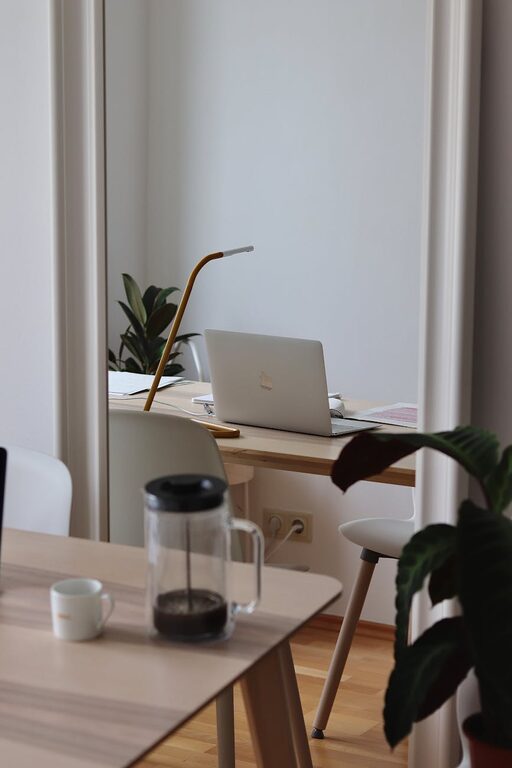

Creating a productive home workspace is essential for anyone working remotely or simply needing a quiet spot to focus. A well-designed area boosts concentration, reduces stress, and increases work satisfaction. Whether you have a dedicated room or a small corner, these tips will help you set up an inviting, efficient workspace that supports your daily tasks.
Choose the Right Location
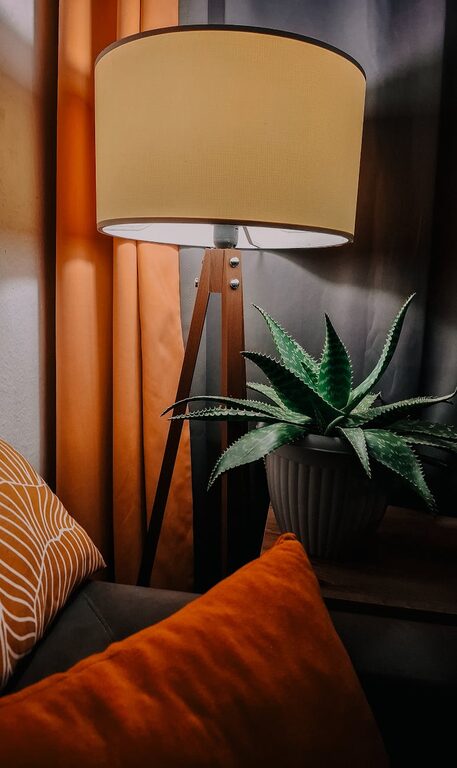
Start by picking a spot in your home that minimises distractions. Ideally, this should be a quiet area away from high-traffic zones like the kitchen or living room. Natural light is a valuable asset, so a space near a window can keep you energised and improve your mood. If natural light is limited, consider soft, warm artificial lighting to reduce eye strain.
Consider Privacy and Noise Control
If possible, use a door to separate your workspace or add room dividers and noise-cancelling headphones to maintain focus. Inform family members or housemates about your working hours to minimise interruptions.
Invest in Comfortable and Functional Furniture
Ergonomic Chair and Desk
A comfortable chair with good back support is crucial. Choose an adjustable chair that aligns with your desk height, allowing your feet to rest flat on the floor and your arms to be at a comfortable angle. The desk should be spacious enough to hold your computer, keyboard, and other tools without clutter.
Desk Organisation
Keep your desk tidy with storage solutions such as drawers, shelves, or organisers. A clutter-free environment helps reduce distractions and keeps your mind clear.
Create an Inspiring Environment
Personalise Your Space
Adding small personal touches can make your workspace more inviting. Whether it’s a plant, artwork, or a motivational quote, personal items can boost your mood and creativity.
Use Colours That Enhance Focus
Research suggests that certain colours promote concentration and calmness. Shades of blue, green, or neutral tones often work well, but choose what feels best for you.
Utilise Technology Wisely
Organise Cables and Tech Devices
Keep cables neatly organised with clips or sleeves to avoid tangles. Use wireless devices to reduce clutter where possible.
Invest in Quality Equipment
Good-quality headphones, a reliable internet connection, and a monitor positioned at eye level can significantly improve your efficiency and comfort.
Implement Ergonomic Practices
Adjust your screen to eye level to prevent neck strain. Use a keyboard and mouse that avoid awkward hand positions. Take breaks frequently to stretch and relax your eyes.
Manage Lighting Effectively
Avoid Glare and Shadows
Position your screen perpendicular to windows to reduce glare. Use adjustable desk lamps to light your work area without causing harsh shadows.
Balance Ambient and Task Lighting
A mix of ambient room lighting and task lighting offers comfort and reduces eye fatigue during long work sessions.
Establish Routine and Boundaries
Set clear work hours and take regular breaks away from your desk. Having a schedule helps create separation between work and home life, which improves overall well-being and productivity.
Keep Air Quality and Temperature Comfortable
Ensure your workspace is well-ventilated and kept at a comfortable temperature. Fresh air and moderate warmth help keep you alert and comfortable throughout the day.
Use Sound to Your Advantage
If you prefer silence, consider soundproofing options. Alternatively, some find background music or ambient sounds helpful for concentration. Experiment to find what suits you best.
Stay Hydrated and Nourished
Keep a bottle of water nearby and plan healthy snacks to maintain energy levels. Avoid eating at your desk to help create a mental boundary between work and rest.
—
Creating a home workspace that balances comfort and functionality doesn’t have to be complicated or expensive. By focusing on location, furniture, lighting, and personal touches, you can build an environment that fosters focus and productivity every day. Remember to regularly review and adjust your space as your needs evolve to maintain a stimulating and comfortable work zone.